


Unity 6.4 has a 2D package that provides tilemap features, but I wanted to create a 3D Rule Tile system similar to Animal Crossing: New Horizons where neighboring tiles are affected by placement. This allows you to implement live terraforming, NavAgent features, multiple height levels, and more!
There are a few standard tileset types, some of which re-use tiles to have a smaller tile count. For this project I am using the 47-tile Blob Tileset . This wasn't ideal because each tile needed to be setup correctly in Blender, but Unity's RuleTile rotation feature does not allow for prefab rotations. If it did, we could accomplish the same result with only 16 tiles.
You can extend the base RuleTile class to manually configure rule behavior, but I did not see a way to access the prefab.
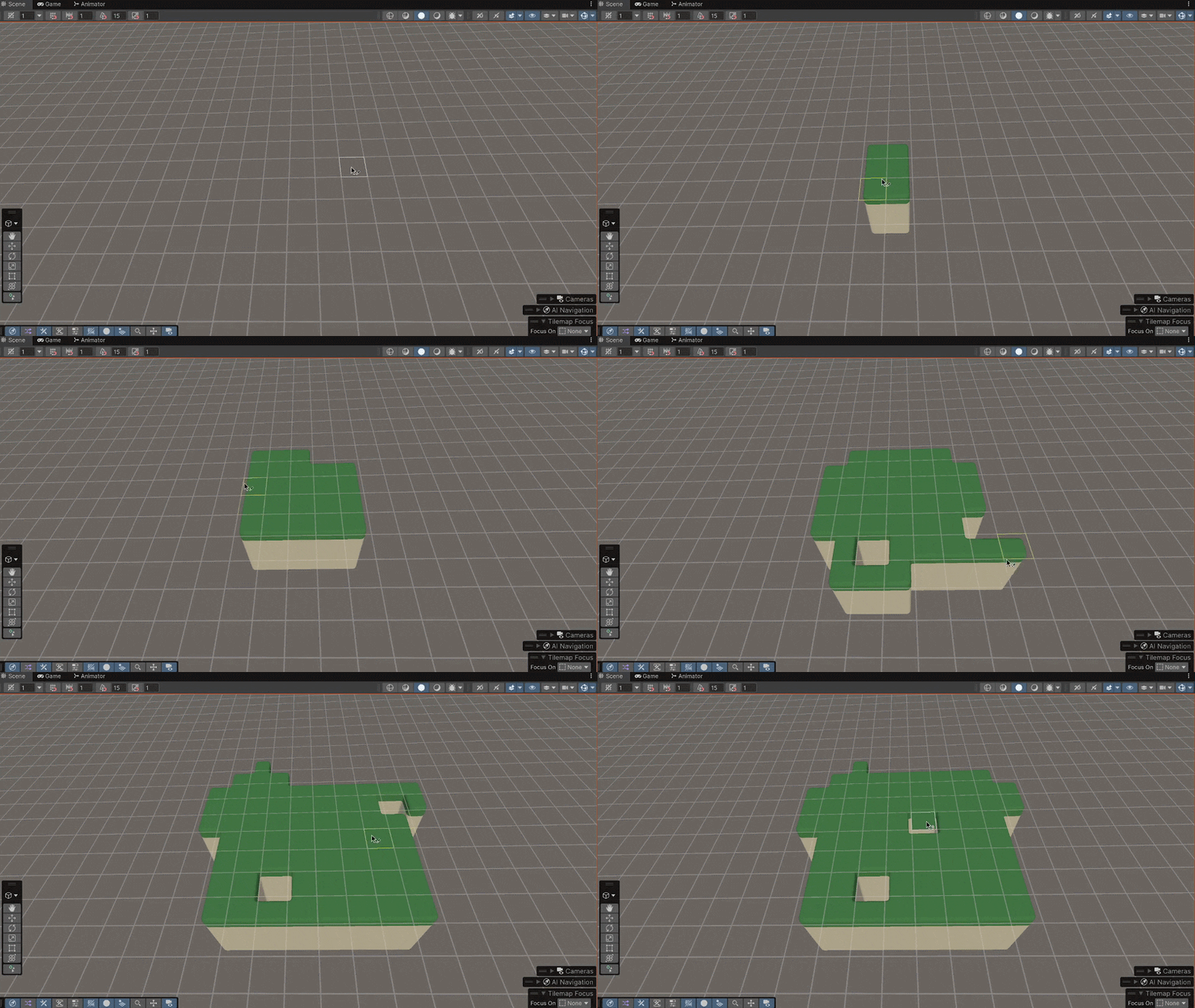
Here are some visuals of the setup and result:
Painting and erasing 3D tiles in the Unity Editor.
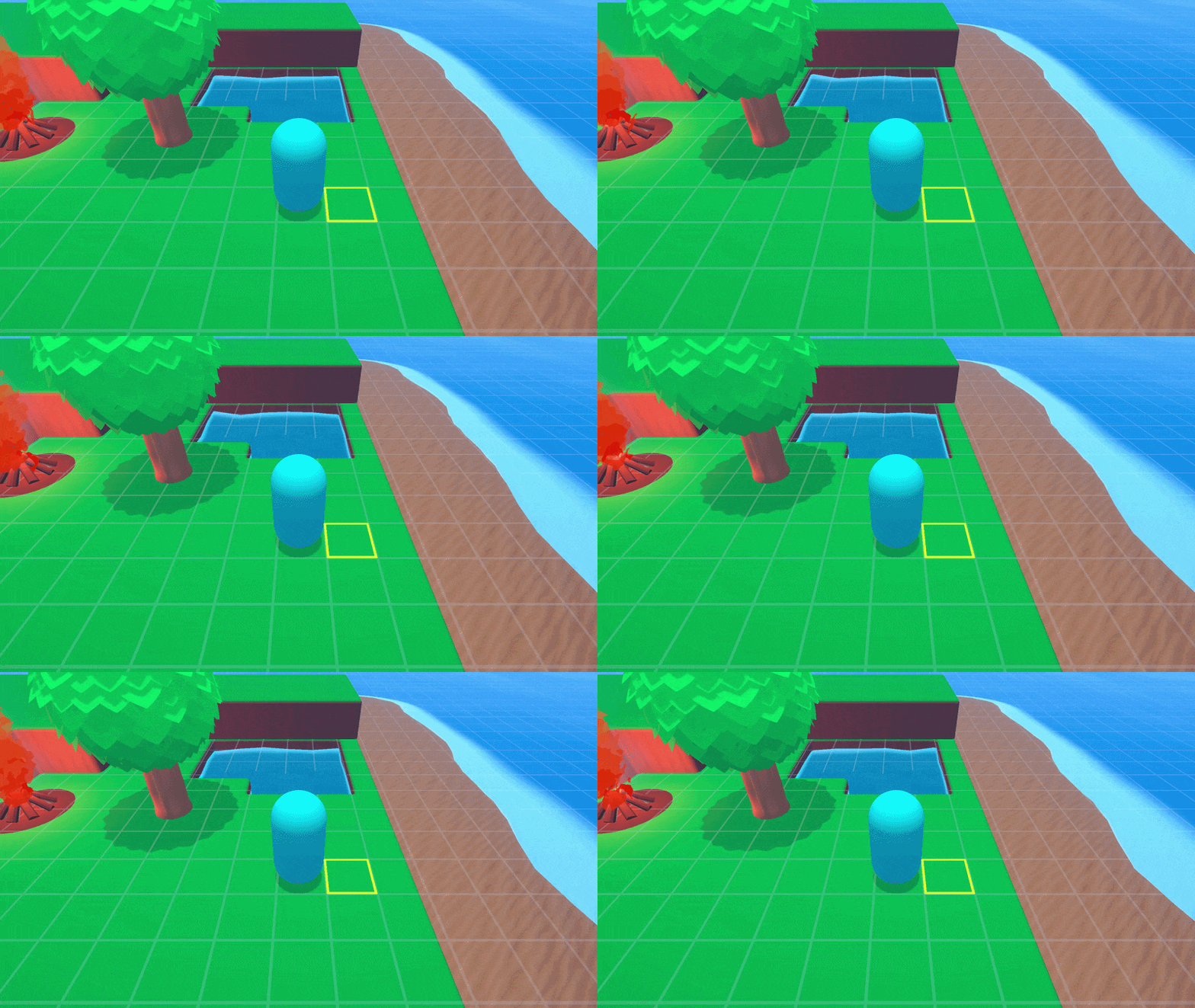
A more polished demo in a cozy island environment.
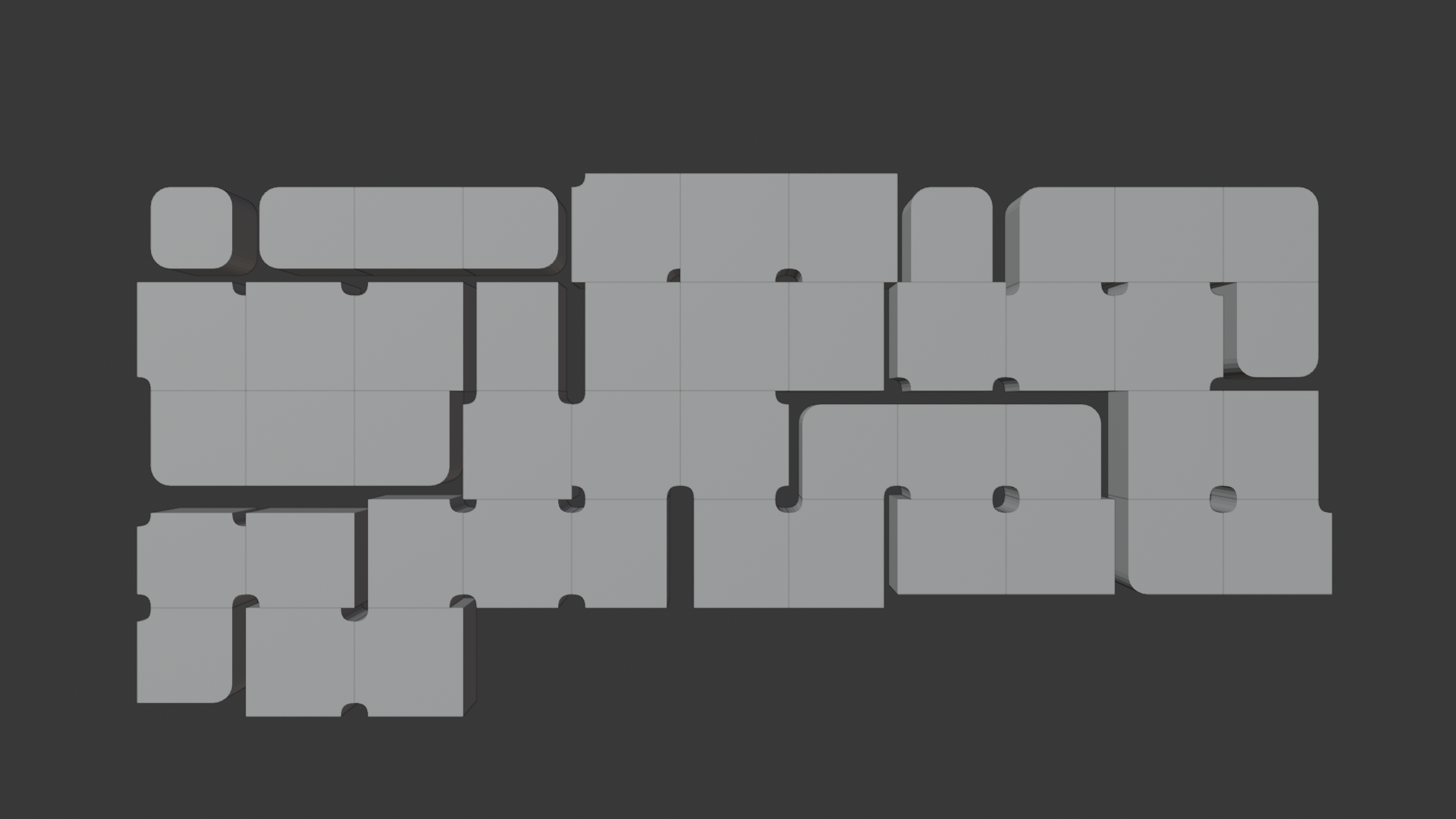
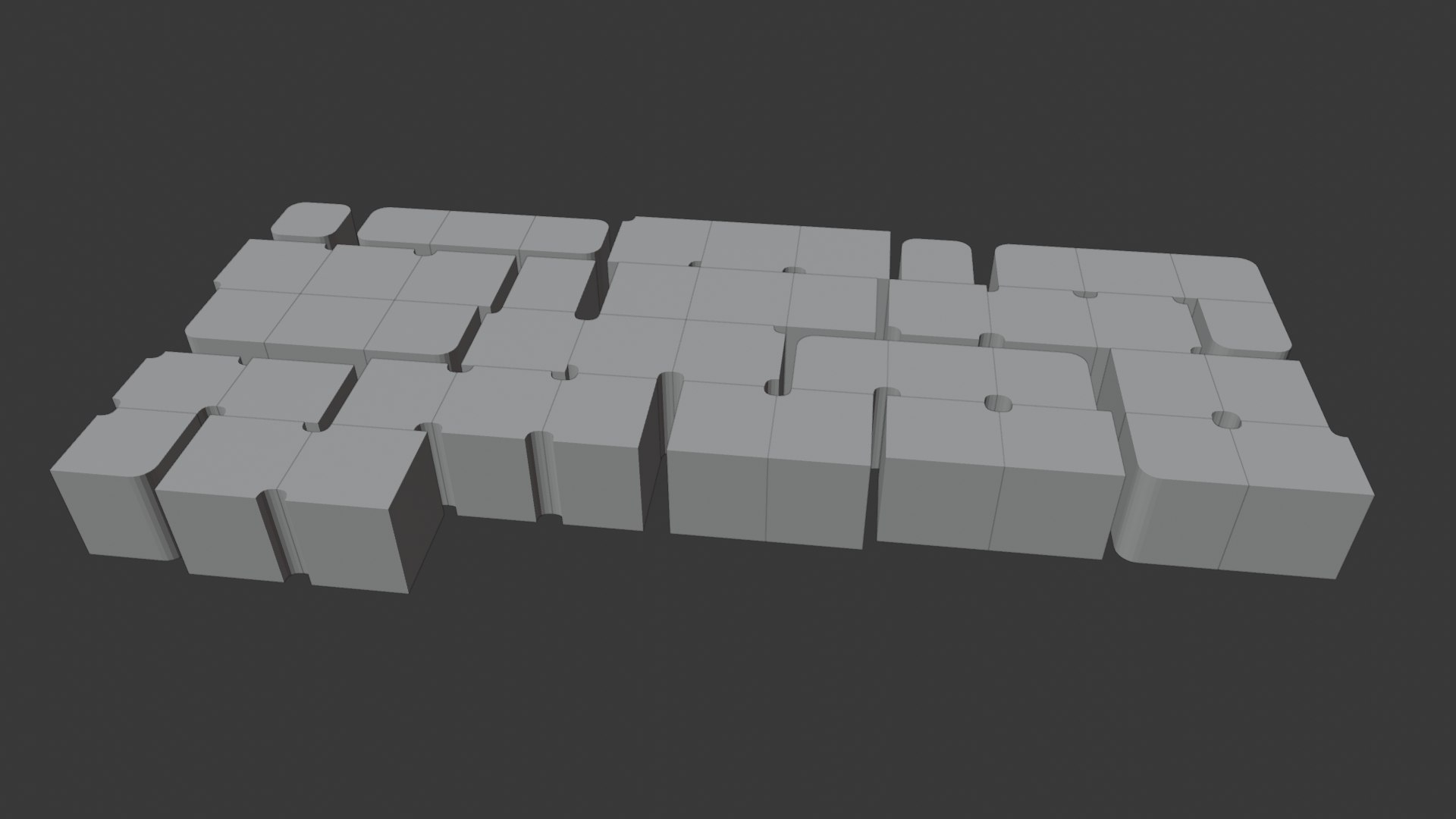
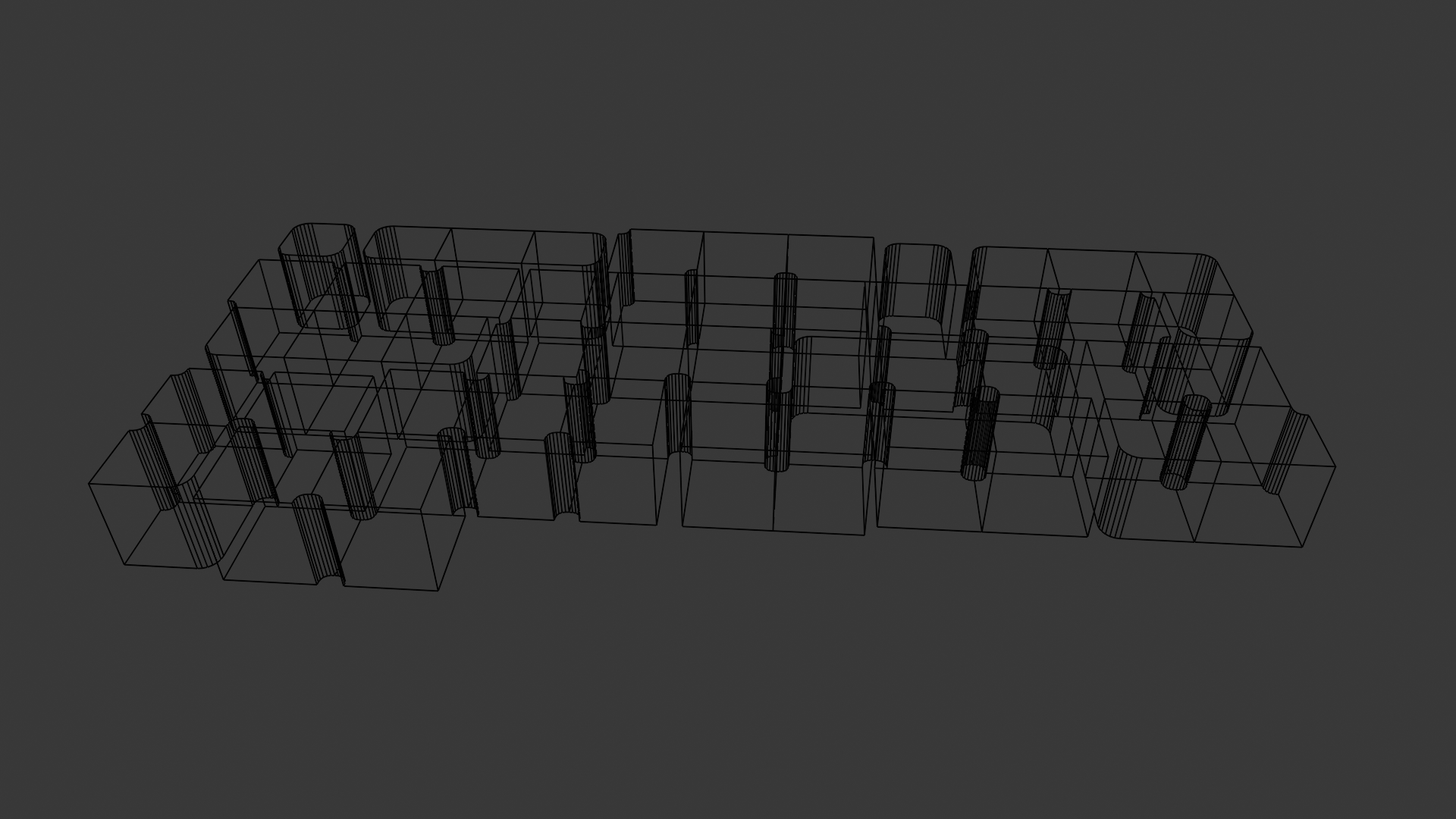
Renders of the tileset in Blender. We remove interior faces and add a duplicated "top" face for the NavMesh.
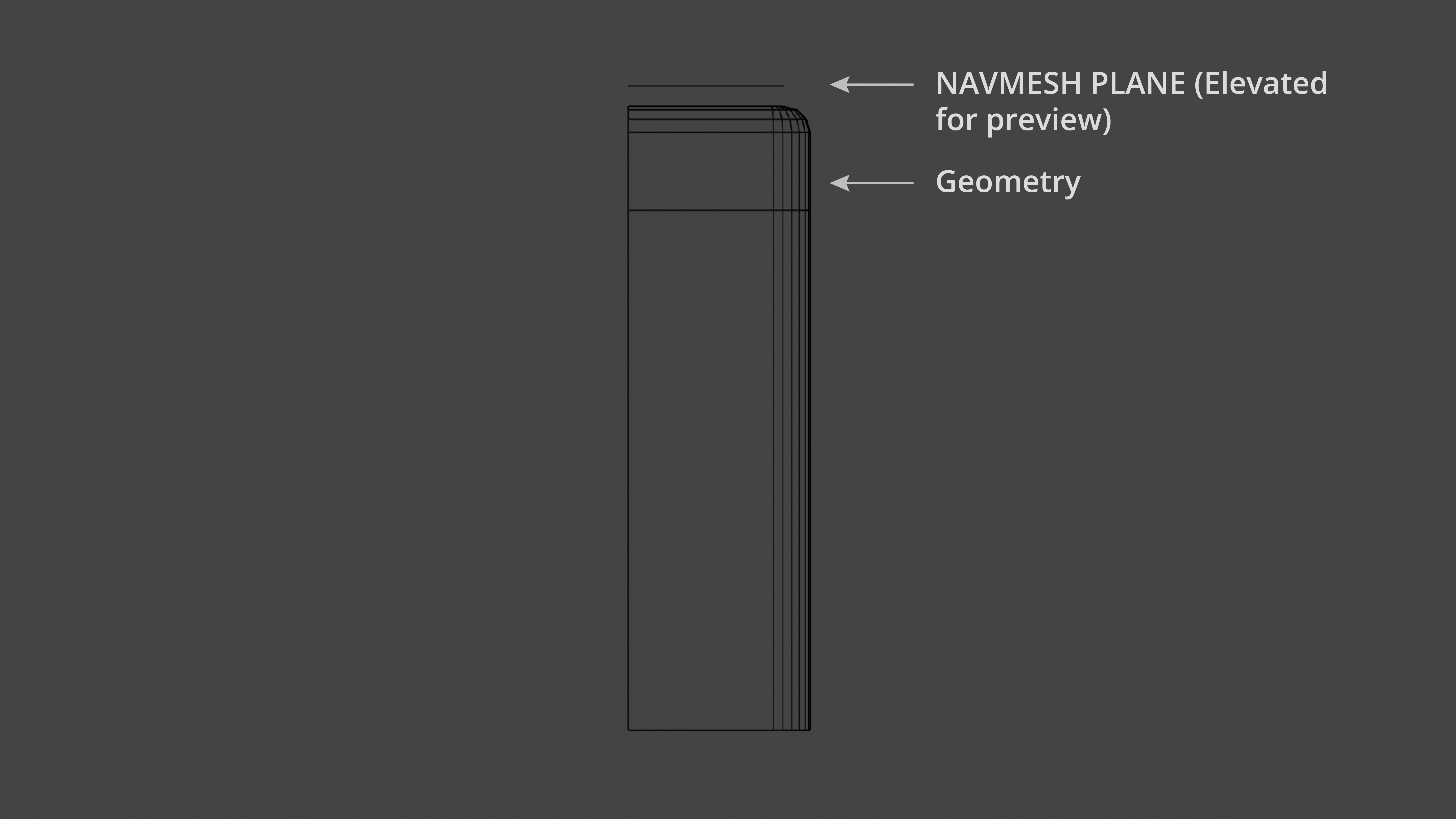
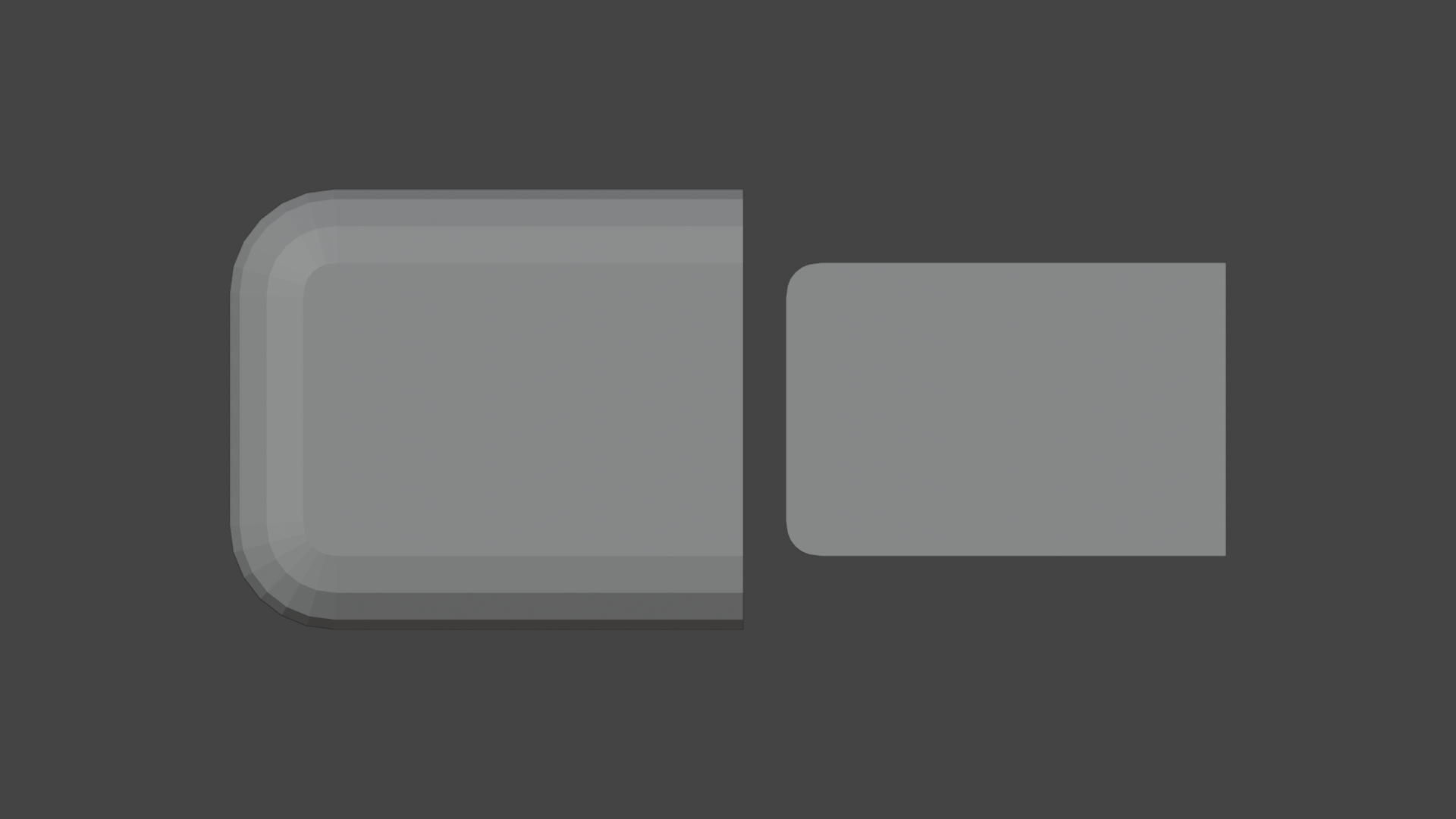
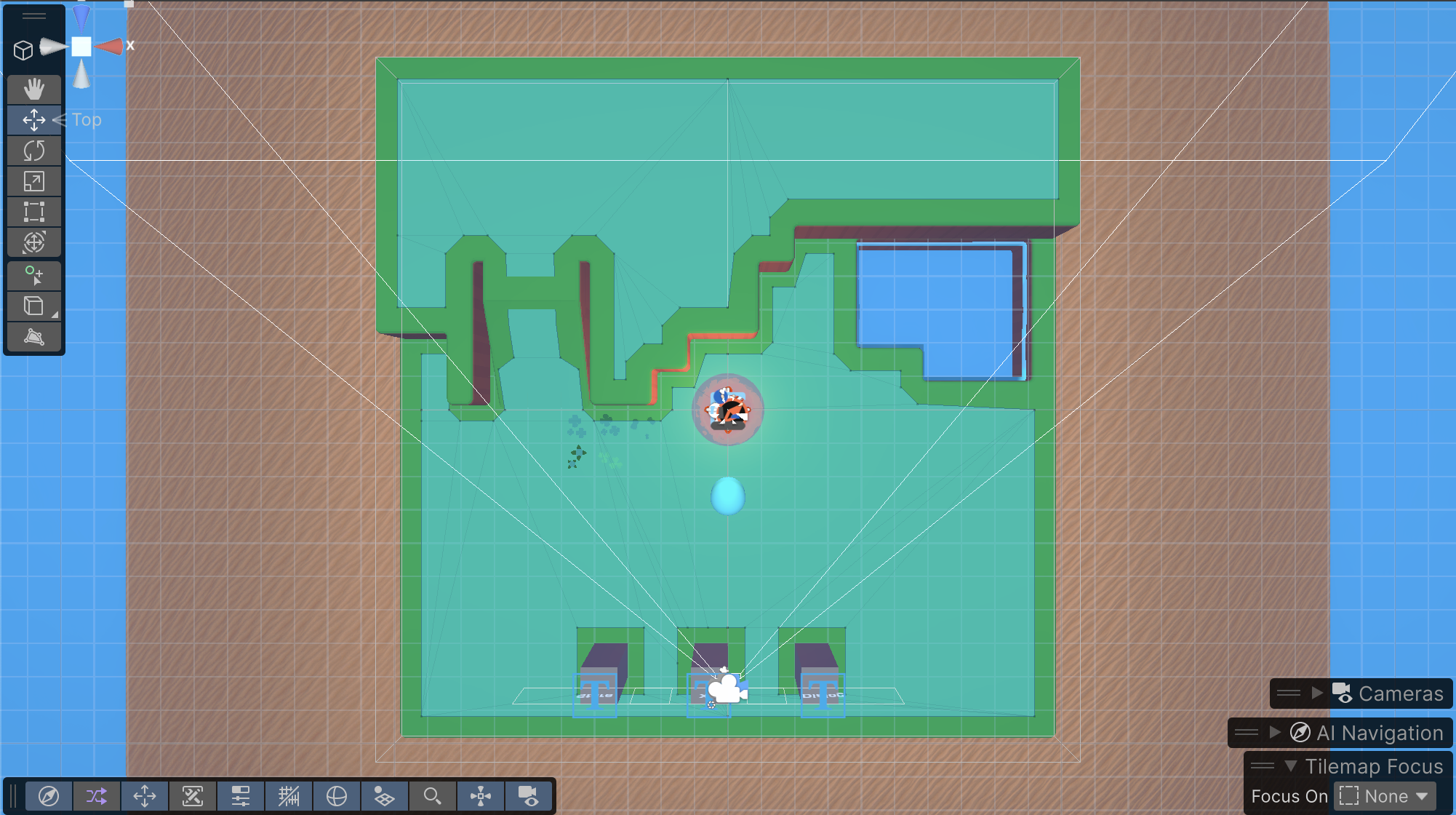
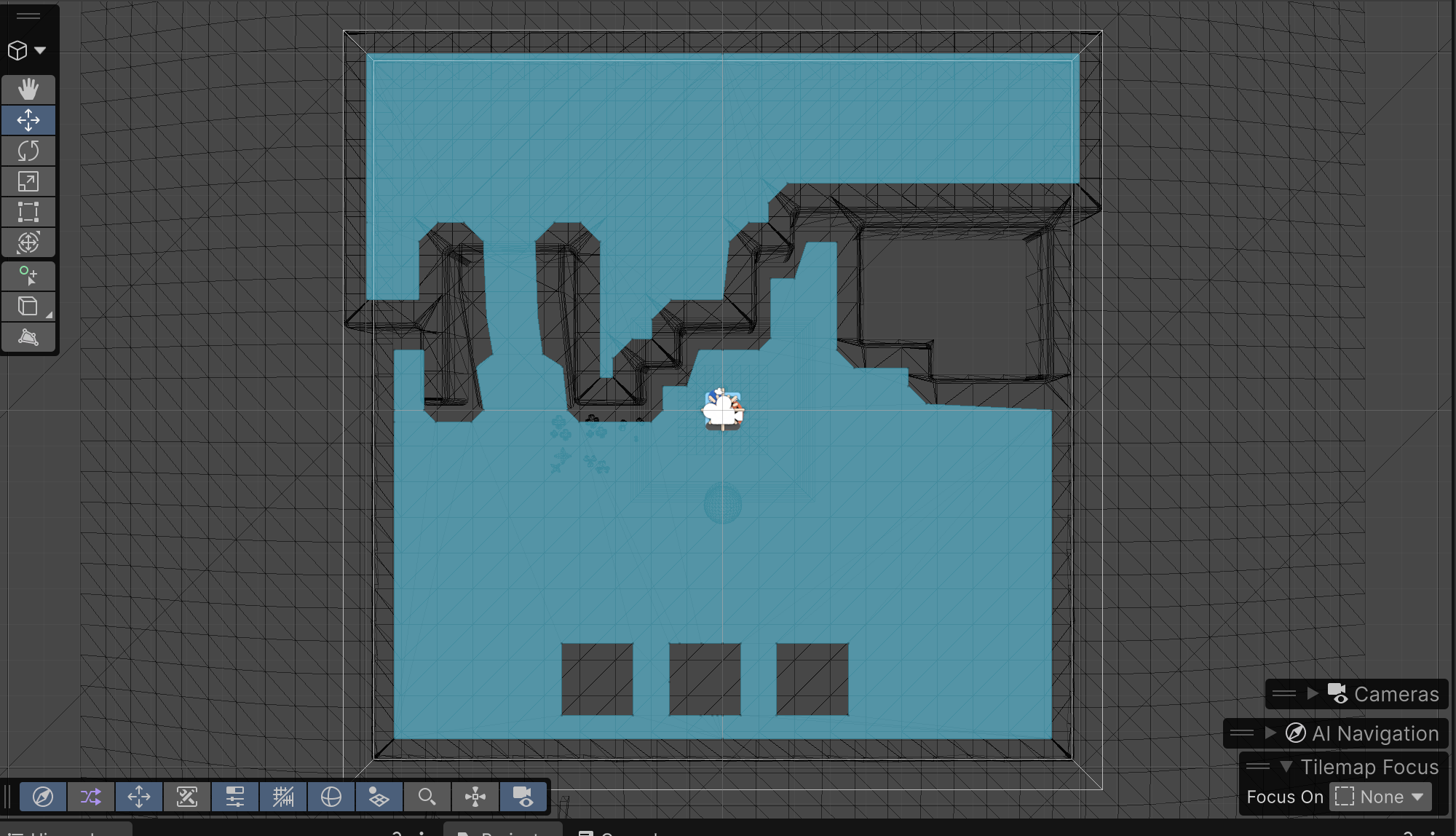
After drawing tiles, you can Bake the NavMesh. Assuming the models are imported, have prefab variants, and have NavMesh planes set to a 'Navmesh' layer, baking will collect all of the 'top faces' from the tiles and generate the walkable area.
If you're continuously editing and re-baking your NavMesh, you can write a small utility script to toggle the visibility of the individual NavMesh objects in bulk. This is useful because Unity will only generate the NavMesh from visible objects. However, you can also change the NavMesh to use Collision Objects instead of Render Meshes, which may allow you to omit the Mesh Renderer component.
Interested in trying out this tile system? I'm planning on releasing it on GitHub and the Unity Asset Store, so until then - send me an email!